Right Sidebar
Enhance user engagement by configuring functional widgets for your sidebar, including featured content, newsletters, and a table of contents.
The Enova theme features an interactive right sidebar designed to keep your readers engaged and help them discover more of your content. From "About" sections to automatic "Related Posts," these widgets are built to work seamlessly with Ghost's native features.
The About Widget
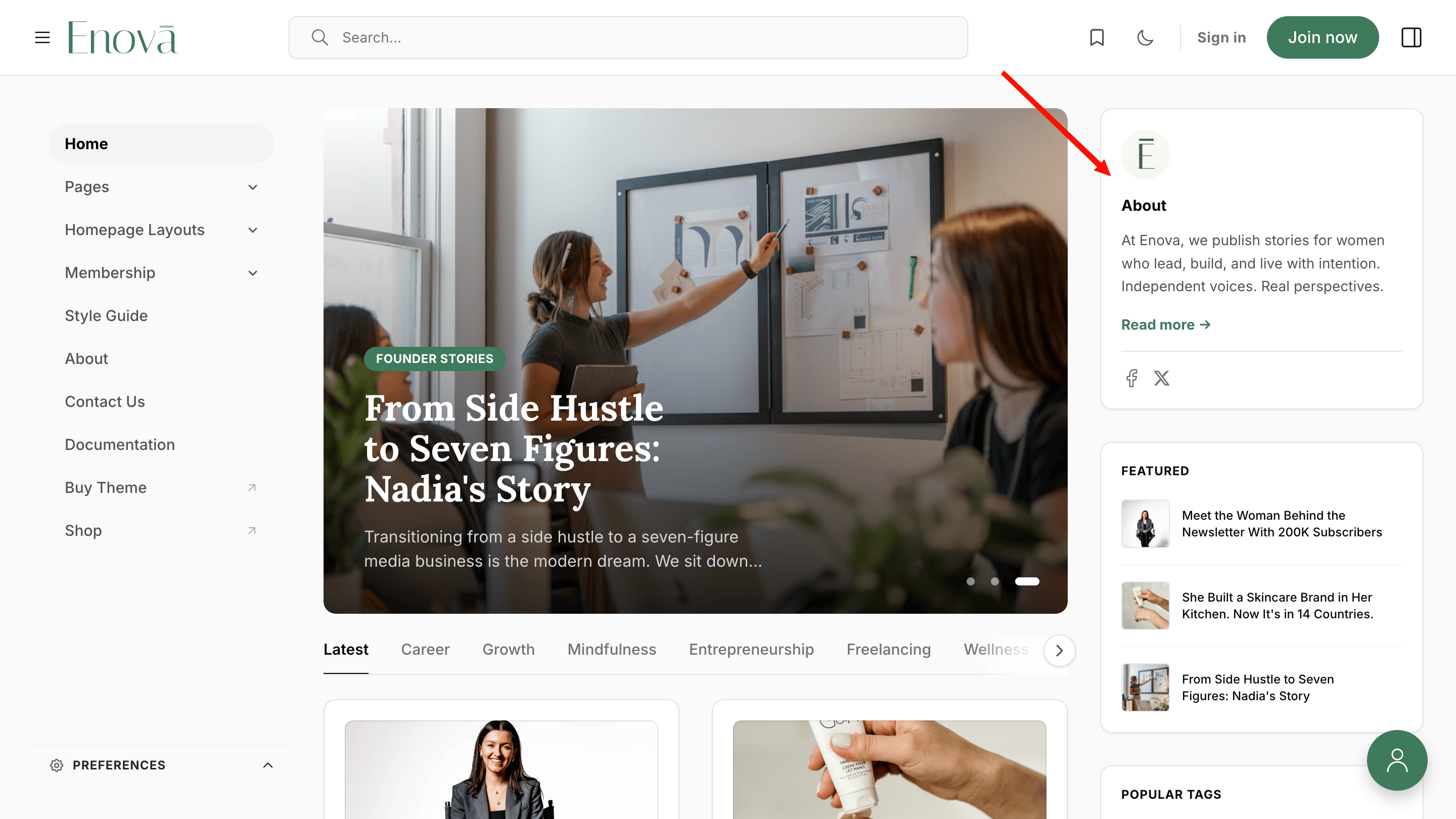
The About widget is a perfect way to introduce your site to new visitors. It automatically displays your site icon, title, a brief description (excerpt), and your social media links.
Visibility
This widget is only visible on the Home page.
Setup Instructions
To get the most out of this widget, follow these simple steps:
Set your Publication Icon Ensure you have an icon uploaded under Settings > Brand. View Publication Icon Guide →
Create an "About" Page
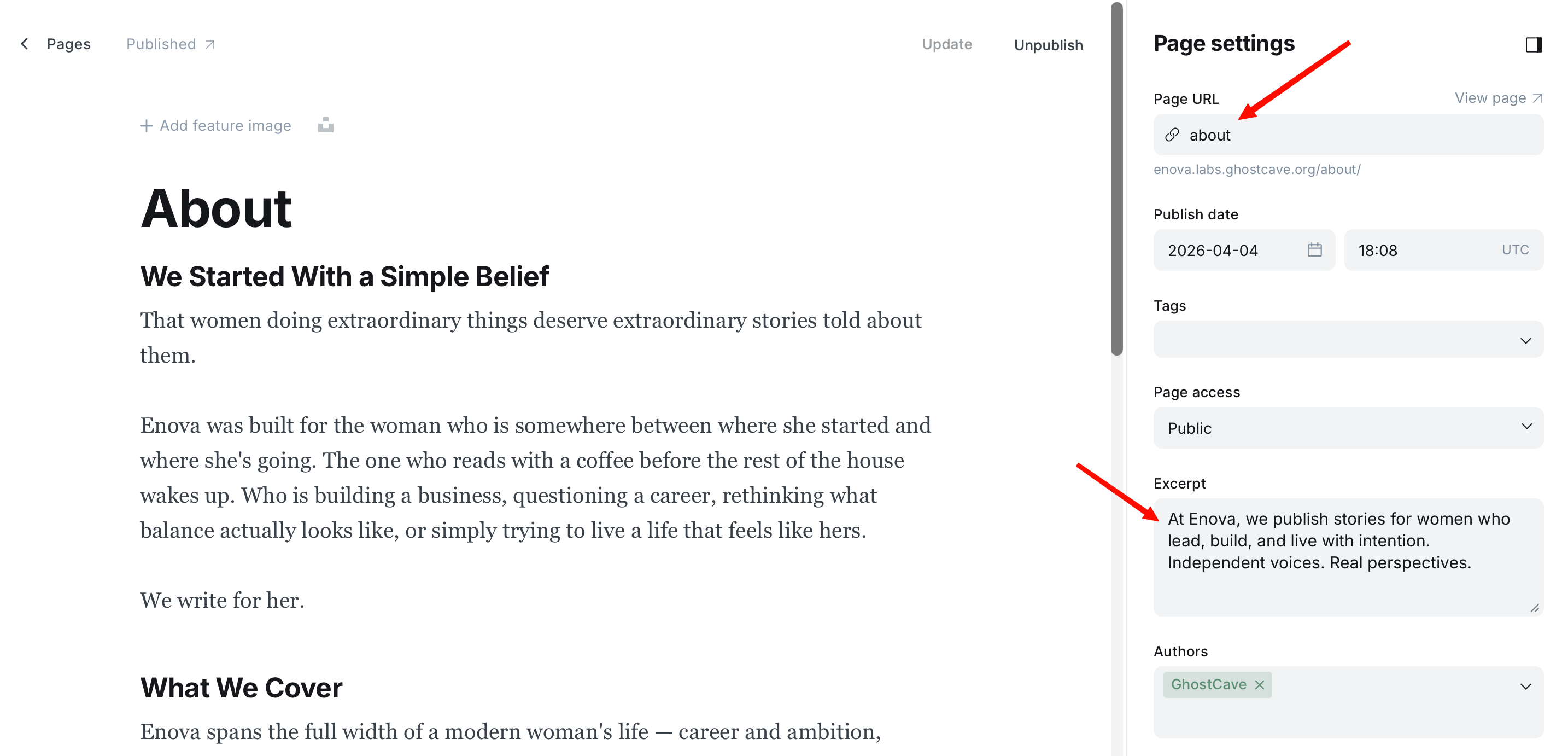
Create a new page in Ghost with the specific slug about. The widget uses this page to pull your content and link directly to your full story.
Add an Excerpt Write a short summary in the Excerpt field of your "About" page settings. This text will appear directly in the sidebar widget.
Publish the Page Once you publish the page, the widget will automatically populate on your homepage.
About Widget Configuration
About Widget Preview
Social Media Links
The social icons in the About widget are pulled directly from your site settings:
Go to Settings > Social accounts.
Add your Facebook and X (formerly Twitter) links.
Click Save to update the icons in your sidebar.
Content Discovery Widgets
These widgets help your visitors find more of what they love, and they update automatically based on your latest activity.
Featured Posts
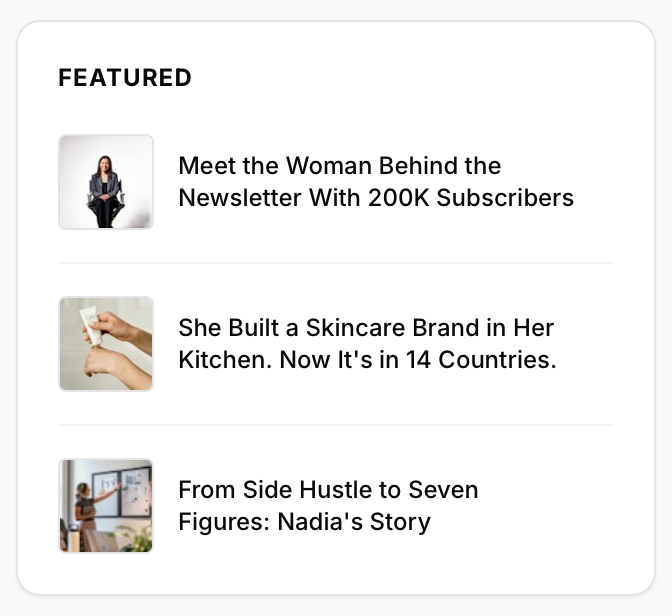
Highlights your top content by displaying the 4 most recent featured posts.
Featured Posts Preview
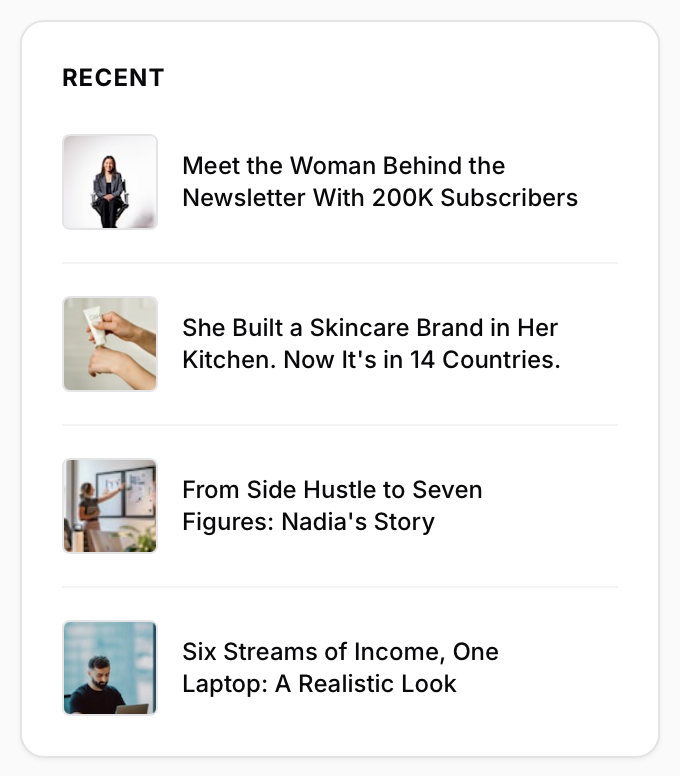
Recent Posts
Displays your 4 latest blog posts.
Note on Visibility
This widget is visible on Posts and Pages only. It does not appear on the homepage, tag pages, or author pages.
Recent Posts Preview
Popular Tags
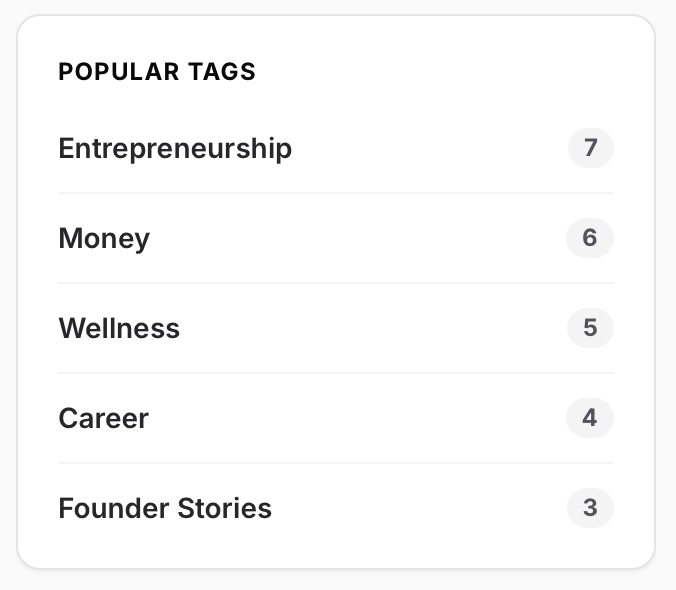
Lists the 5 tags associated with the most posts on your site.
Note on Visibility
This widget appears on all pages except for individual Posts and Pages.
Popular Tags Preview
Top Authors
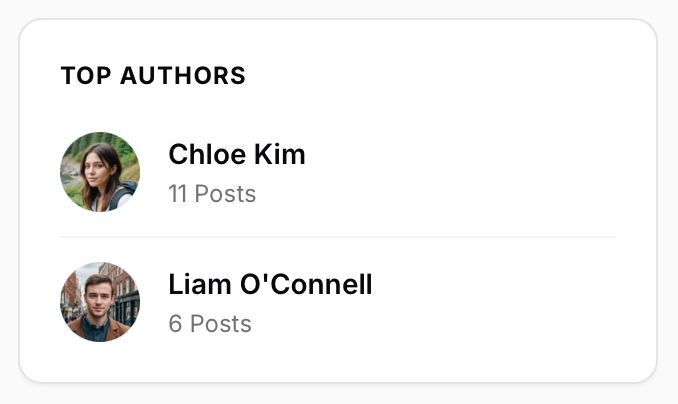
Shows the top 4 authors on your site based on their post count.
Visibility
This widget is only visible on the Home page.
Top Authors Preview
Engagement & Navigation
Newsletter Subscription
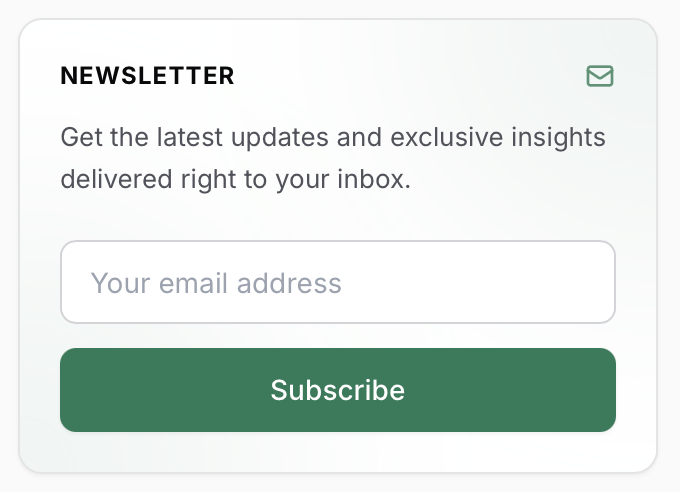
Encourage visitors to join your mailing list with a simple, clean subscription form. This widget is globally visible on all pages.
Newsletter Widget Preview
Related Posts
Automatically suggests similar content to your readers.
Visibility
This widget appears only on Individual Posts.
Related Posts Preview
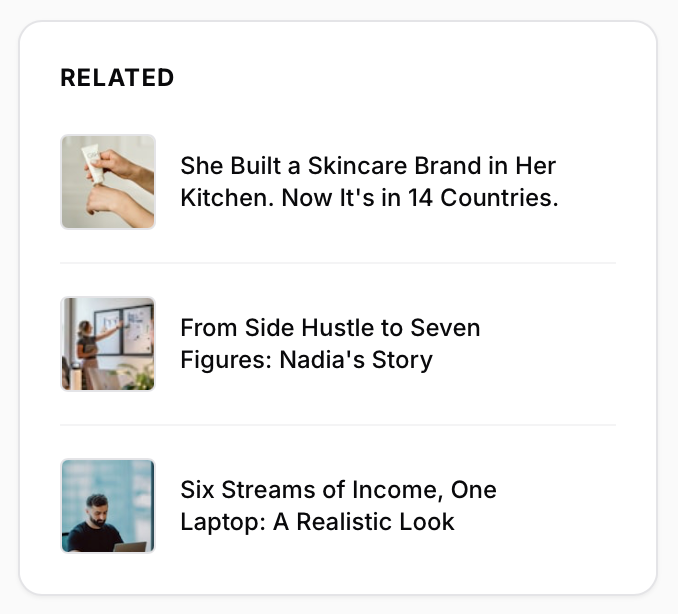
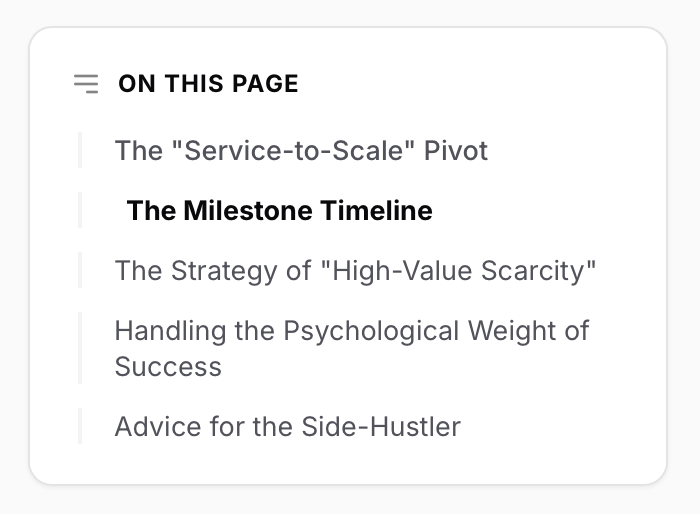
Table of Contents (ToC)
Helps readers navigate through your long-form content. By default, it is enabled on all posts and pages.
How to Disable the ToC
If you have a short post and don't need a table of contents, you can easily turn it off:
Open the post or page settings in Ghost.
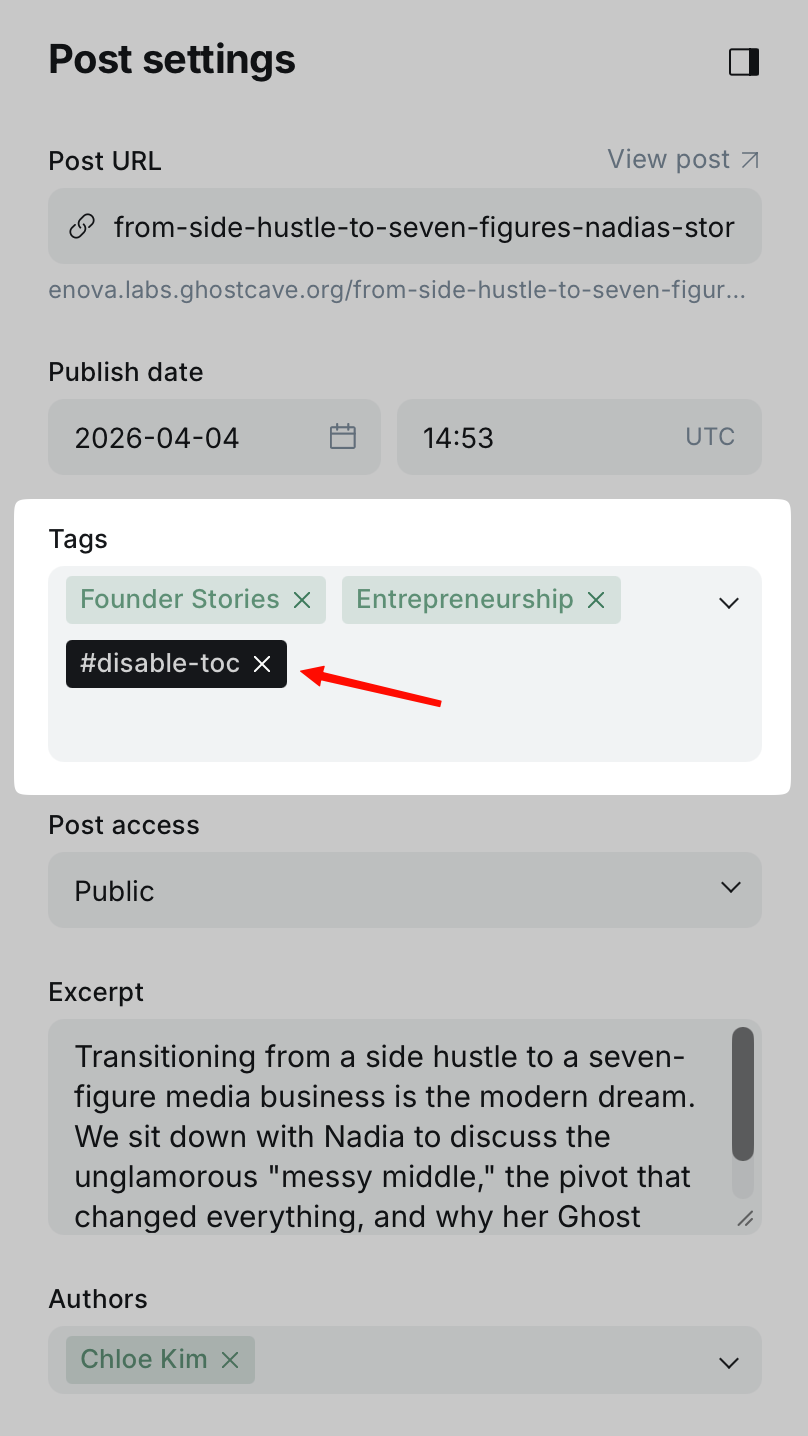
Add the internal tag #disable-toc to the Tags field.
The widget will be hidden for that specific post or page.
Table of Contents Preview
Disabling the ToC