Theme SettingsTheme
Post
Customize the layout and features available on individual post pages to enhance reader engagement.
Show related posts
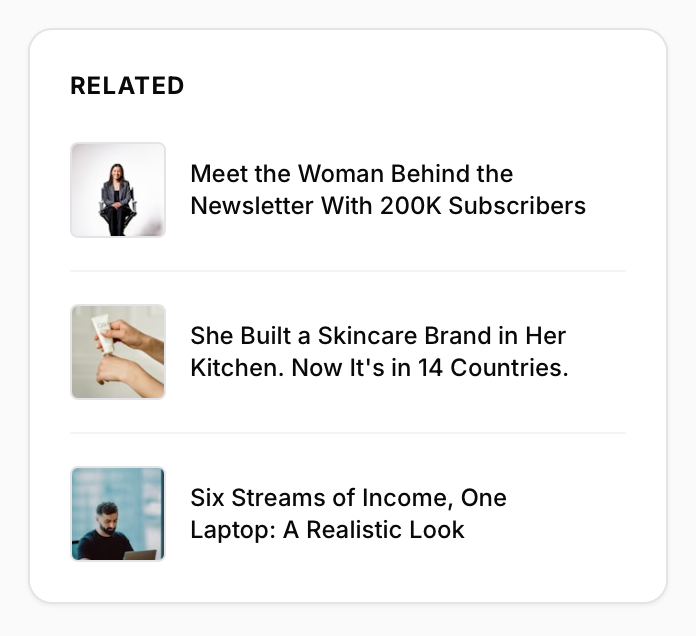
By default, the Related Posts widget appears at the right sidebar of the article. It dynamically displays 3 posts that share the same tag as the current post, significantly improving your site's internal linking and reader retention.
Go to the Design & branding settings in Ghost Admin and click Customize.
Navigate to the Post section.
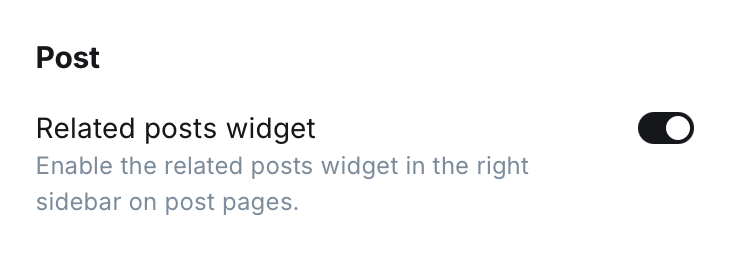
Locate the Show related posts field and toggle the setting On or Off.
Click Save to apply the changes.
Preview
Dashboard Toggle
Site Preview